AppForms Designer
AppForms Designer is a core feature of the ClaySys AppForms platform, providing a visual, drag-and-drop interface for building dynamic forms and workflows. It allows users to create forms without needing to write code, making it accessible for both technical and non-technical users.
Here are key aspects of AppForms Designer:
- Drag-and-Drop Interface: Users can easily add form elements like text fields, dropdowns, buttons, and more by dragging them onto the design canvas.
- Customizable Form Components: Each form element can be customized to include validation rules, conditional logic, and dynamic behaviors based on user input.
- Data Integration: AppForms Designer supports integrating forms with various data sources like databases, web services, and APIs, enabling real-time data retrieval and submission.
- Workflow Integration: Forms can be tied into business workflows, automating processes such as approvals, notifications, and data processing.
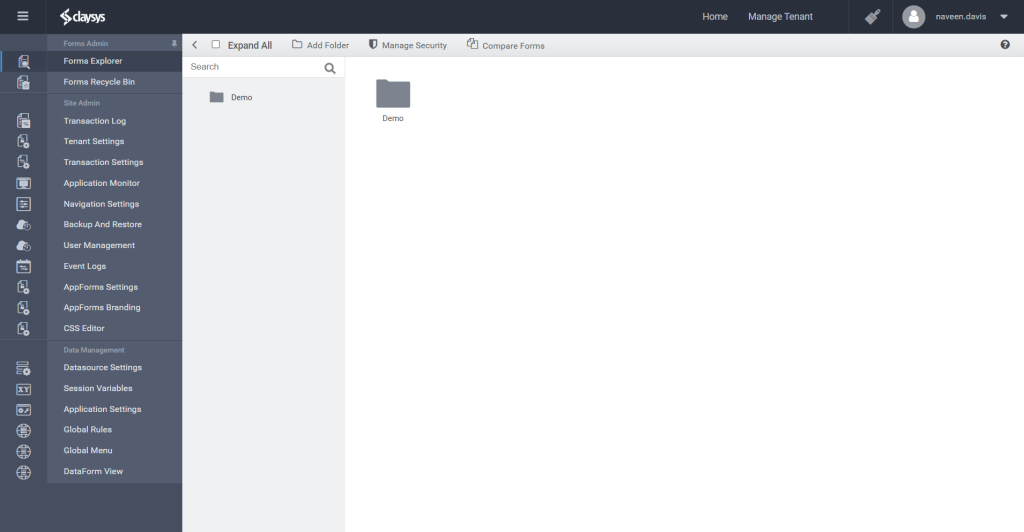
The designer landing page includes a link section that provides quick access to various settings and opens the Forms Explorer, where users can create forms within a folder structure. Creating a form in this area launches the drag-and-drop interface for designing the form’s UI/UX.